 0% finance available


















KESS is Alientech's tool for reading and writing engine ECUs, and the current KESS 3 does OBD, bench and boot work in a single device rather than needing three. OBD means through the diagnostic port with nothing removed; bench means the ECU out of the car on a bench; boot means going to the processor directly when a unit will not talk any other way. Which one your car needs is decided by its ECU and software version, not by its badge.
Remapping a vehicle through the OBD (On Board Diagnostics) port is pretty much the most common, and well known method of tuning a car. It’s the least invasive, and the least time consuming method – so usually the best course of action! Here’s a brief walkthrough on how the process works with our most used tool, the KESS unit by Alientech;
Kess Unit
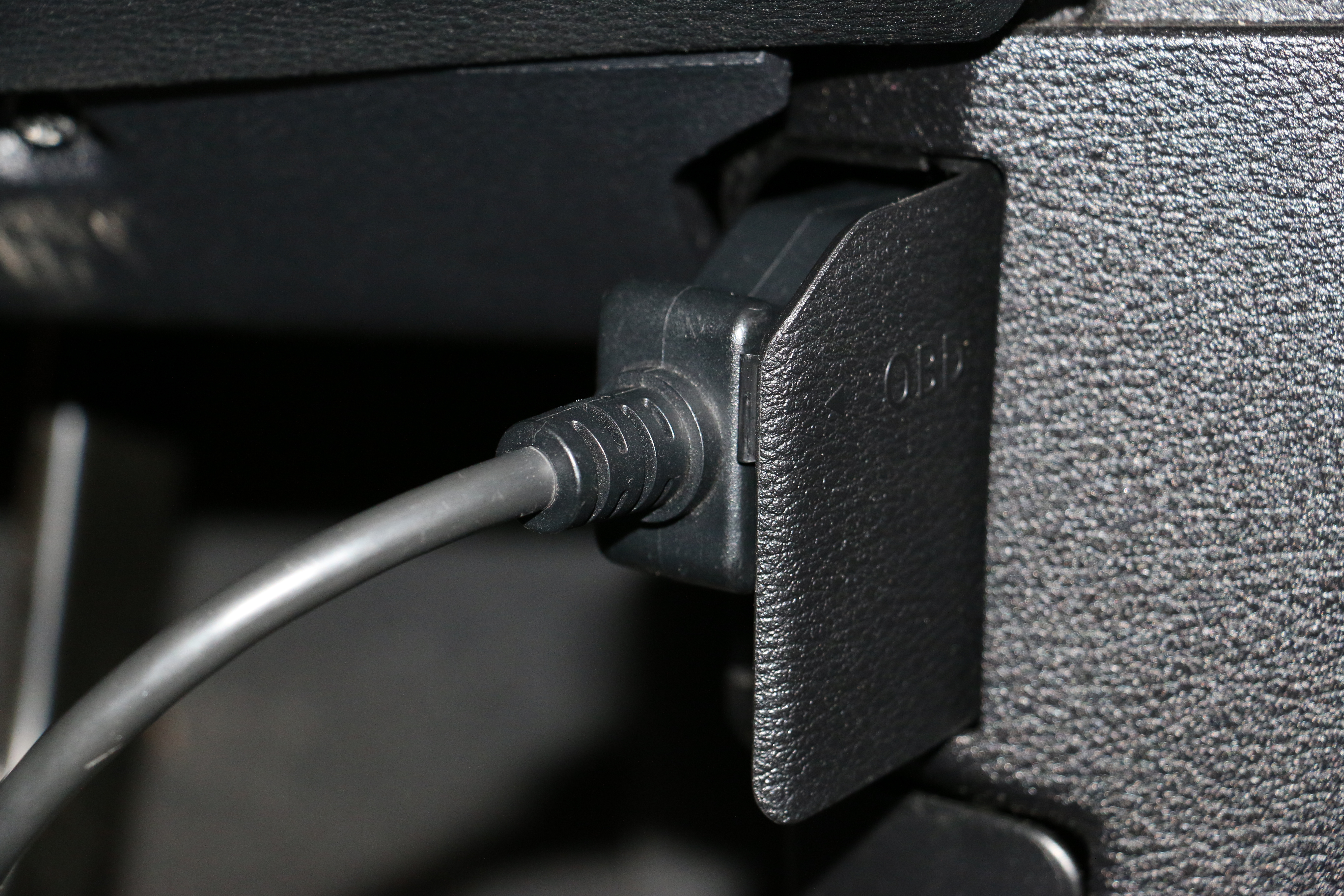
Firstly we locate the vehicles OBD port. This is usually on the drivers side of the car, under the dashboard. We then plug the KESS into this port.
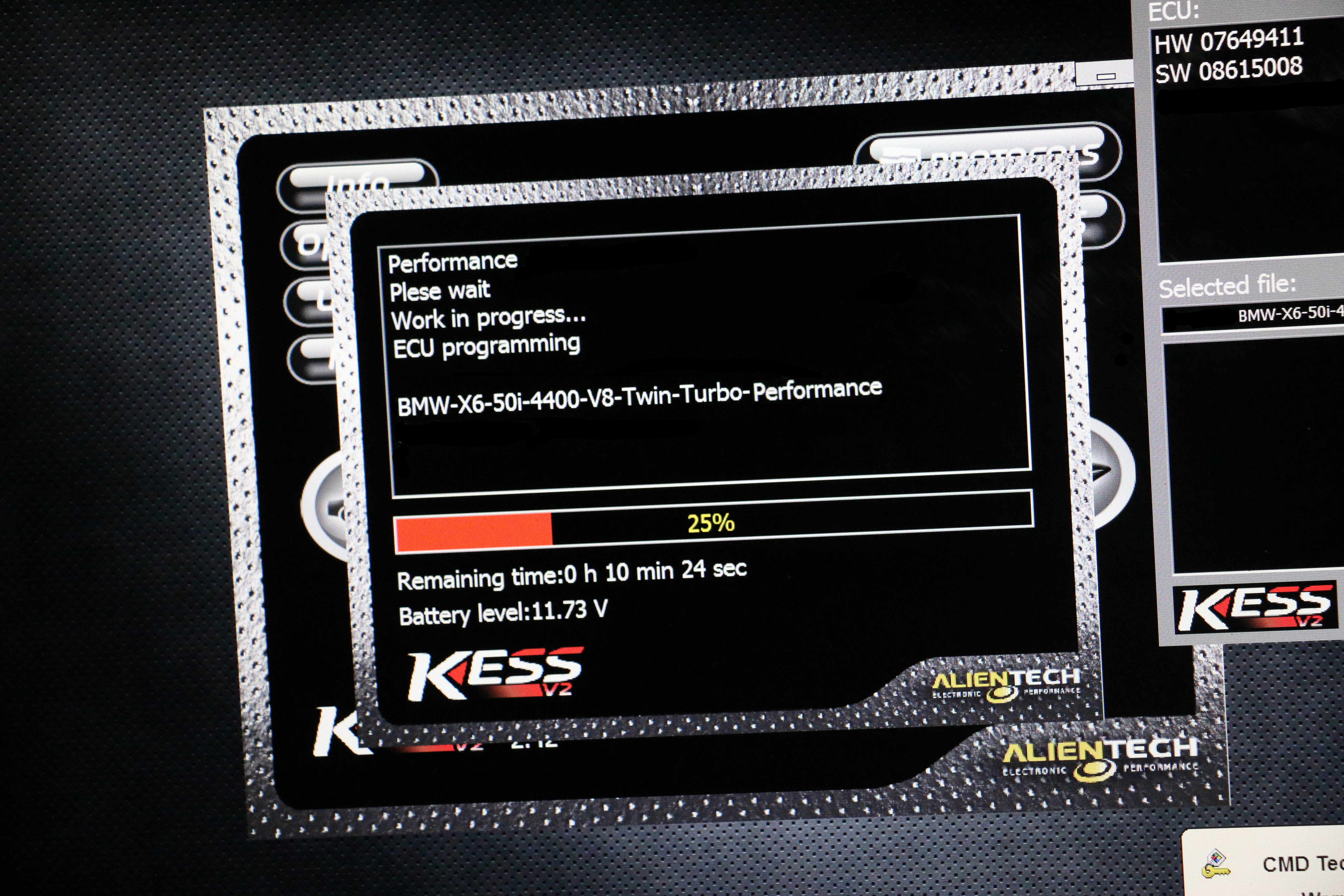
After we connect the KESS, we ask it to ID the cars ECU. The KESS asks the ECU what it is – and the ECU will return with a confirmation of make/model, along with it’s hardware number (Version of circuit board) and software number (Version of factory map)
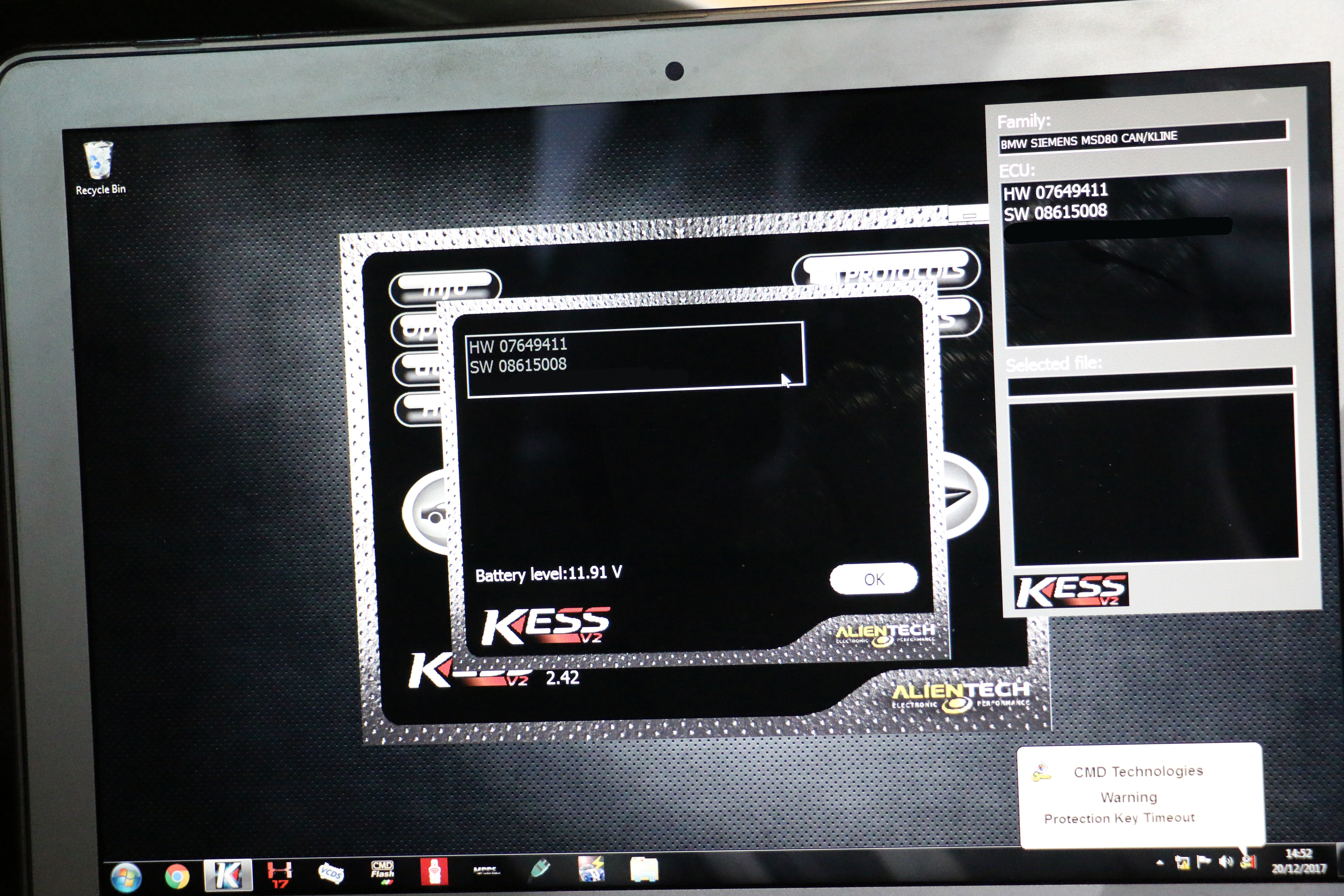
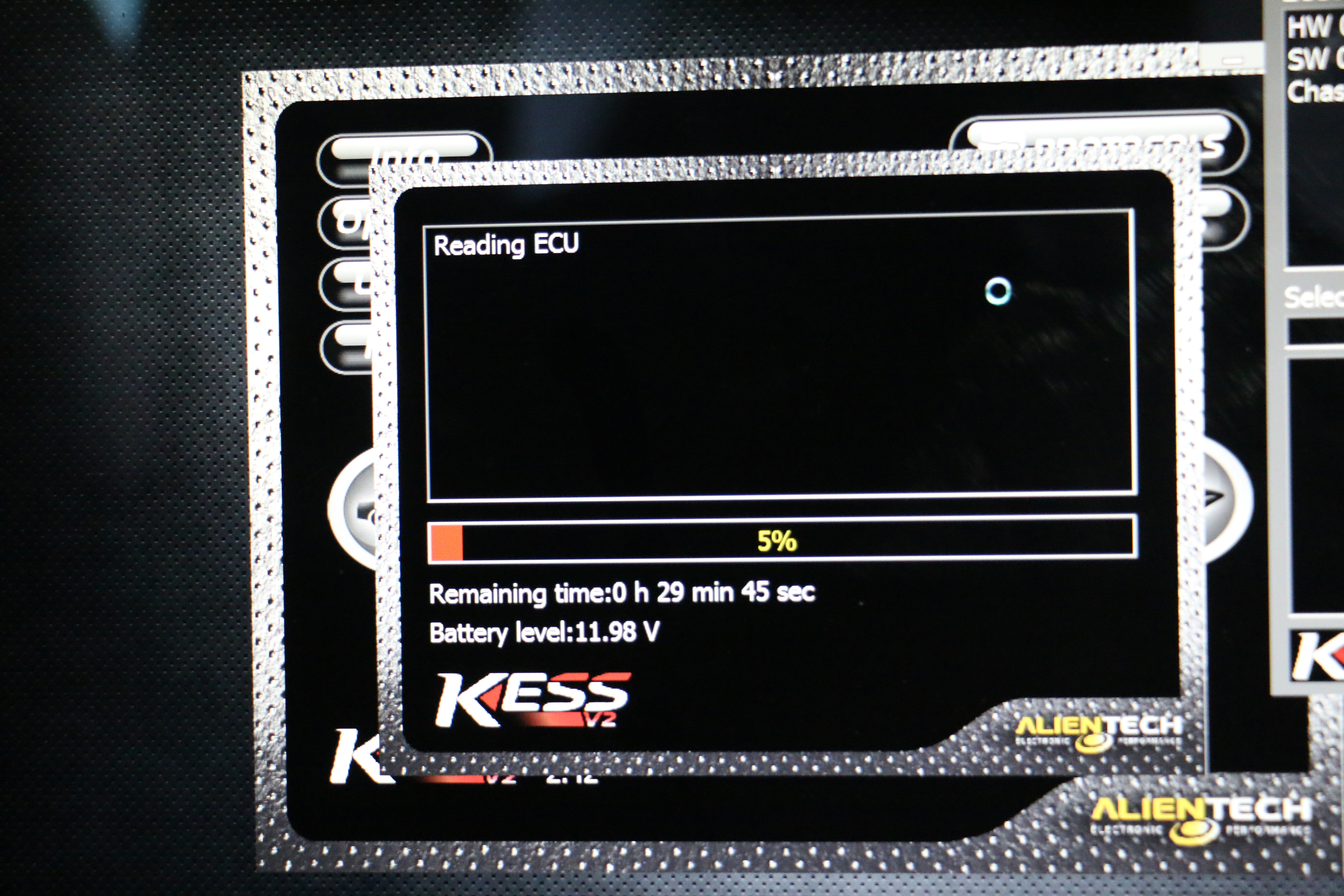
With this confirmed, we then know that KESS can read/write to it, and that the protocol is correct for communicating with the ECU. We then take a read from the car, and download the original map from the vehicle. This process can take less than a minute, or over an hour depending on vehicle model & ECU type.
What’s next?
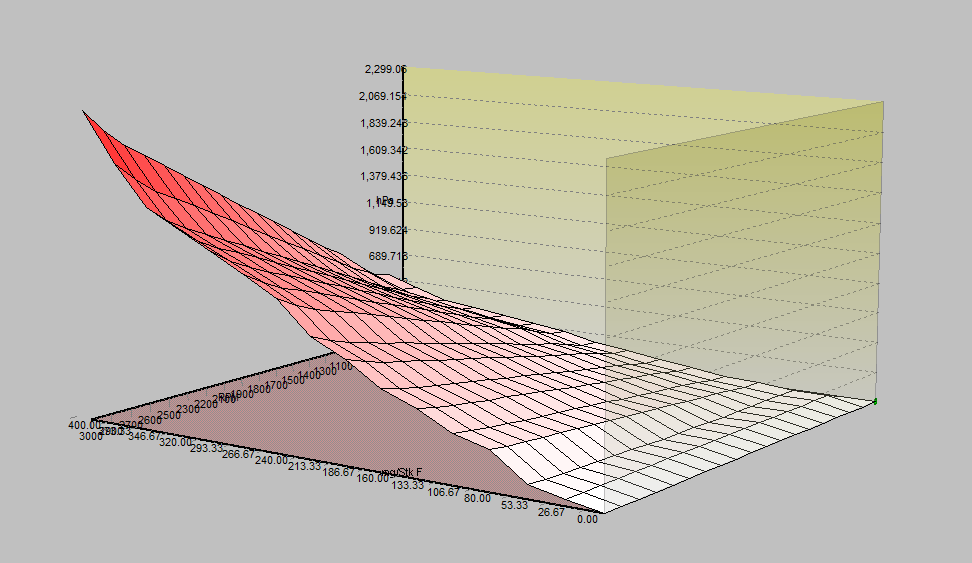
With the original file downloaded, we can open it up in our tuning software and adjust various parameters. We optimise boost, timing, fuelling and various limiters for maximum performance. We then save this modified file, but keep a backup of the original should we need to revert the car back to factory settings.
During the process, the battery voltage is monitored constantly. If voltage falls too low, it could corrupt the writing and result in damage to the ECU – if the battery voltage starts to drop towards 11.5V a battery stabiliser is connected to keep the ECU safe. It’d probably write perfectly fine – but for the sake of five mins to connect the stabiliser, it’s not worth the risk.
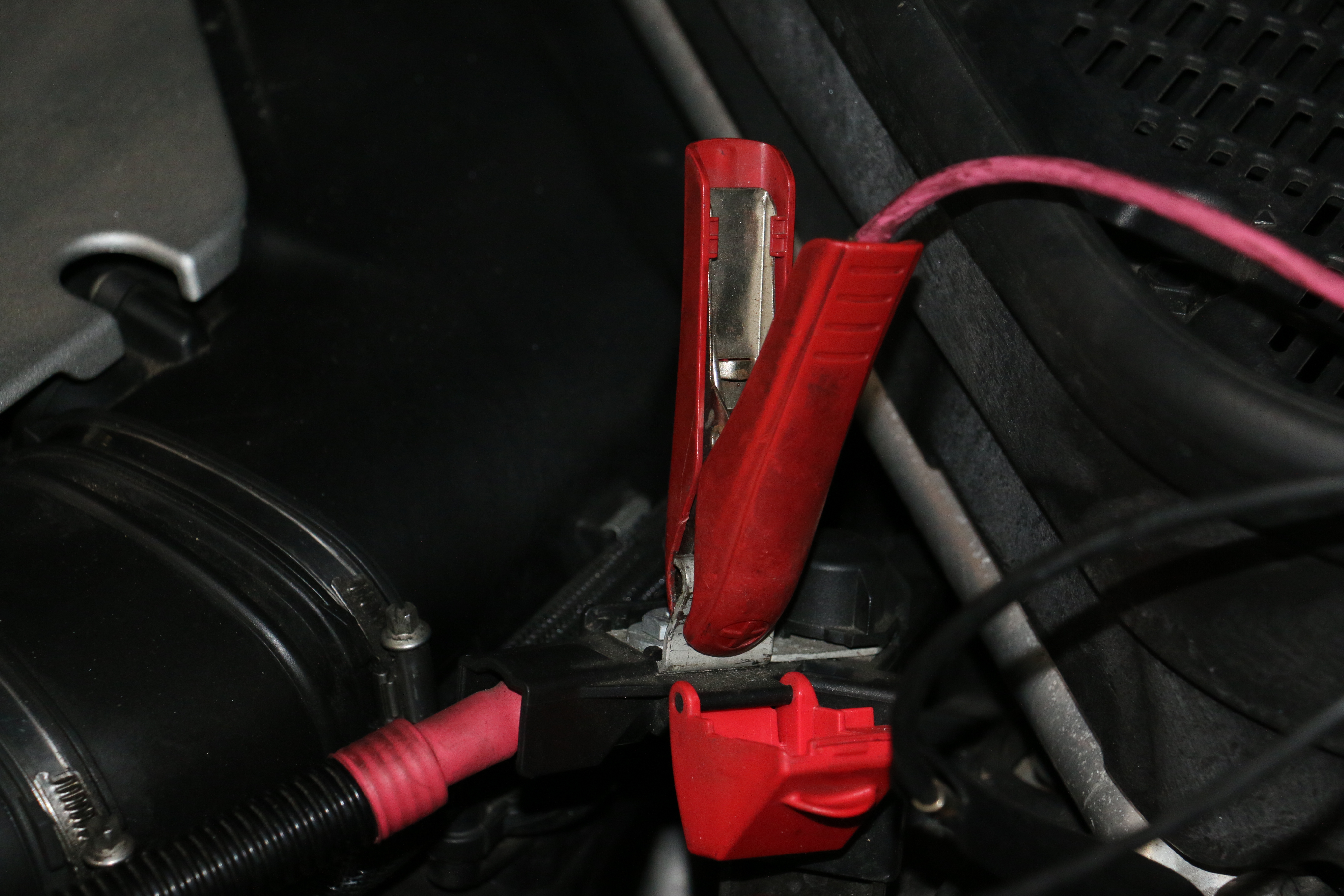
We then write the tuned file back to the car. Again, time varies – a car can take 40mins to read every bit of data off the ECU, then 3mins to write as it only changes the bits we’ve altered…or it might need a full write, and thus take over an hour!
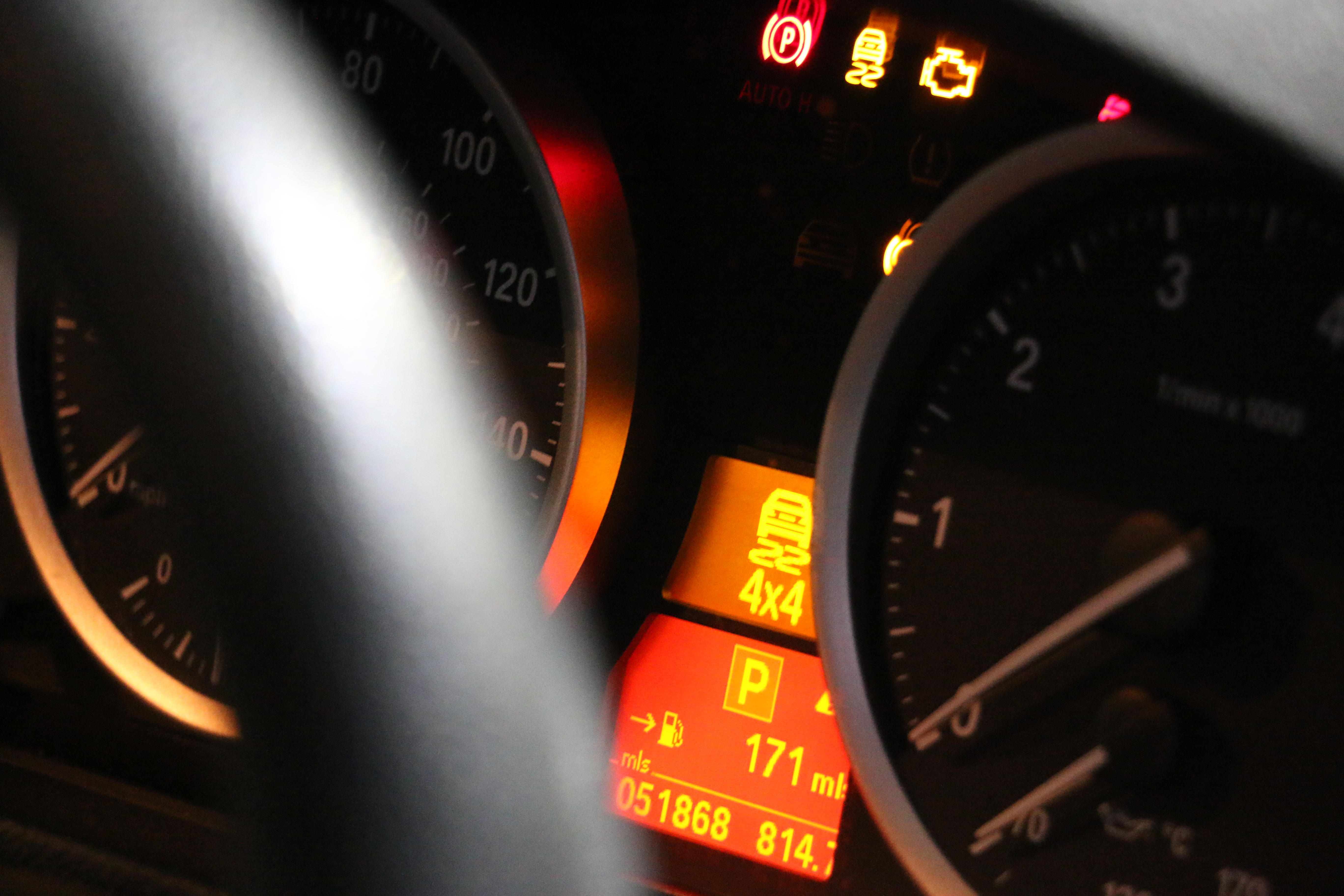
When the car writes, the ECU looses communication from all the other modules within the car. This causes a number of error messages to pop up – it’s absolutely nothing to worry about, and perfectly normal. If the gearbox suddenly can’t see the ECU on the road it’s going to detect that as a fault, and warn the driver…these warning systems are still running when we program the car. After programming we clear these fault codes out of the car before test drive, however as the vehicles owner, this can raise concern if you’ve not seen it happen before.
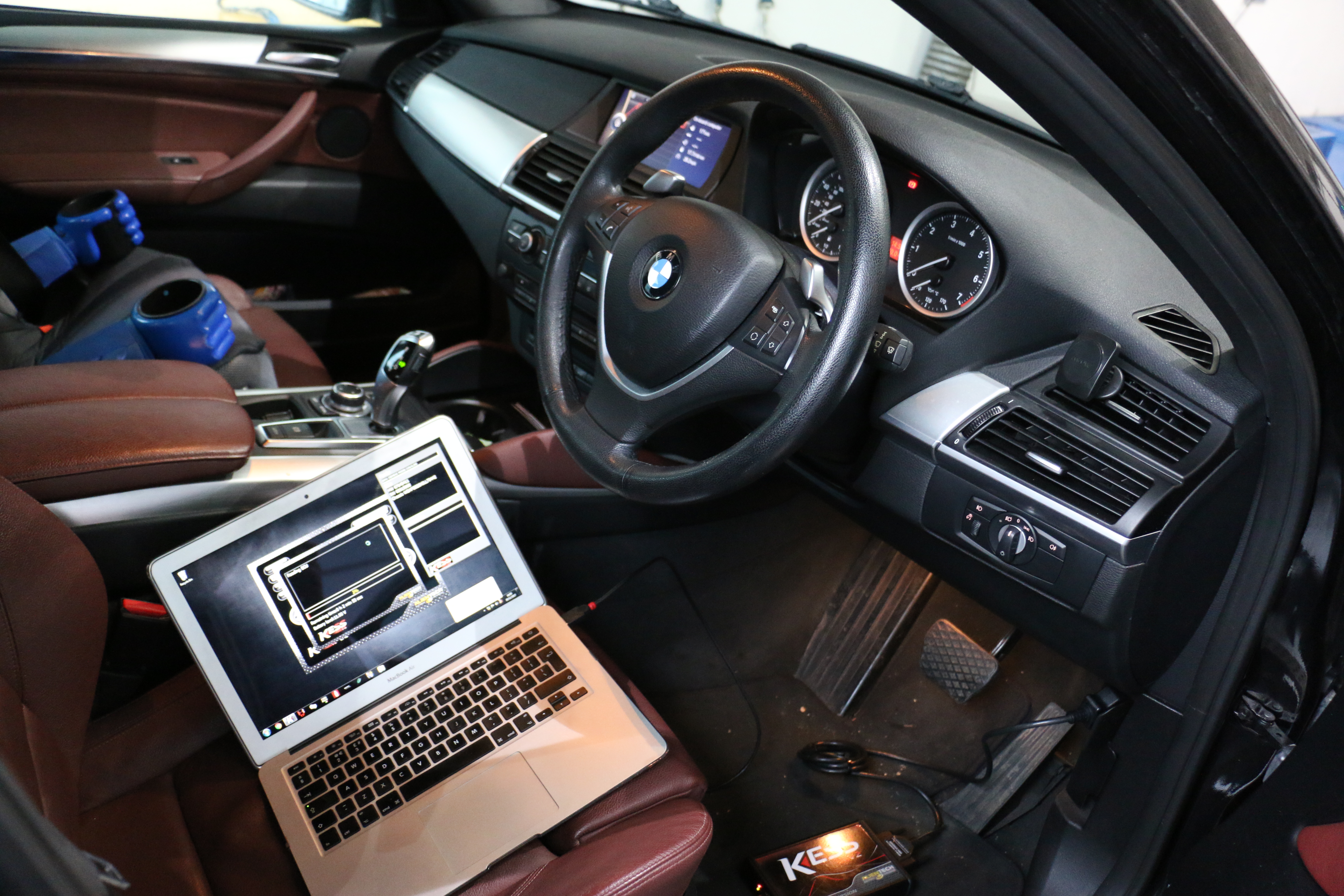
In summary, it’s something that from the outside looks very simple…plug a cable in, click write and you’re done. However there’s an awful lot of time that goes into writing the tuned files, making subtle tweaks to get the best out of the car & even time spent reading and writing to the car.
Don’t Worry!
It’s one of the quickest ways to do it, but we’ll always book you in for the time required to work on your car. We’re not ignoring your vehicle in favour of other work don’t worry. It’s just that watching a 40min read is about as productive as watching paint dry! As you can see – it’s just watching a percentage bar tick up to 100%! We’ll usually start a stopwatch, and go and check progress every 10-15mins to confirm the latest update on timescale. It’s a lot like when you download a file online: at first it says 1hr, then drops to 25mins. Best to just leave it, and get on with something else!
Want to use Alientech’s KESS Unit?
If you’ve got any questions about OBD remapping, how we do it, tooling we use etc. Then please don’t hesitate to get in touch!
Download Alientech KSuite 3.0 Here
Questions we get asked
What does KESS do?
It reads the original file out of an engine ECU, lets you write a modified one back, and handles the security and checksums involved. It is the tool a tuner uses; it does not write the map for you, which is the part people misunderstand.
What is the difference between OBD, bench and boot?
OBD works through the car's diagnostic port with the ECU in place. Bench has the unit removed and powered on a bench, using its own communication lines. Boot goes to the processor directly and is the last resort, including for recovering a unit that has been bricked. KESS 3 covers all three.
Can I remap my own car with a KESS?
You can read and write with it, but the tool is not the difficult part. Writing a safe file is, and a bad file can cost you an engine or an ECU. If you want your own car tuned, put the registration into our tuning builder and let us do it.
Do you sell KESS tools?
Yes. We are an official Alientech dealer and we supply KESS and K-TAG, with next day delivery on tools in stock and Klarna available. We will also tell you honestly if a different tool suits your workload better.
I have the tool but not the files. What then?
That is what our dealer file service is for. Read the ECU with your KESS, upload the original through the portal, tick the options you want and the finished file comes back, usually in about sixteen minutes in working hours. No joining fee and no monthly fee.
Which is better, KESS or another tool?
They all cover different ECUs well and none covers everything. Most busy tuners end up with more than one. Tell us what cars you see most and we will tell you what actually makes sense rather than what has the best margin.
